
In this section you will find all the documentation for our ZEM-CWI 2.4 GHZ Wi-Fi Smart Door Controller for Access control like datasheet, user manual, quick start guide and installation diagrams. Also, there are videos showing all the ZEM-CWI and Opensee app features and how to set up your system.

DATASHEET
Features and specifications of the ZEM-CWI 2.4 GHZ Wi-Fi Smart Door Controller.

QUICK START GUIDE
How to make the ZEM-CWI’s initial configuration and its connection with your network .
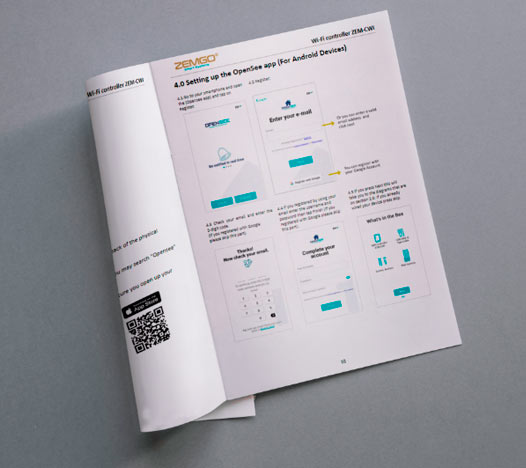
USER MANUAL
Complete user manual with all the functions and settings of the ZEM-CWI.


Download our Mobile App to your smartphone or tablet and start the installation process using our wizard from the app. An alternative is to open the web platform from any web browser on your computer, tablet or smartphone.
VIDEOS - What is ZEM-CWI, Features and Installation
Installation Diagrams

Wiegand Connection with Maglock

Connection with Maglock
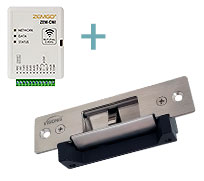
Connection with NO Electric Strike
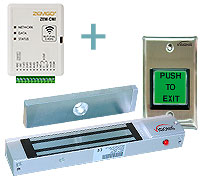
Connection with Exit Button and Maglock

Connection with Exit Button and NO Electric Strike

Connection with Exit Button, Receiver and Maglock
